Solving Streaming Buffering on Netflix/YouTube
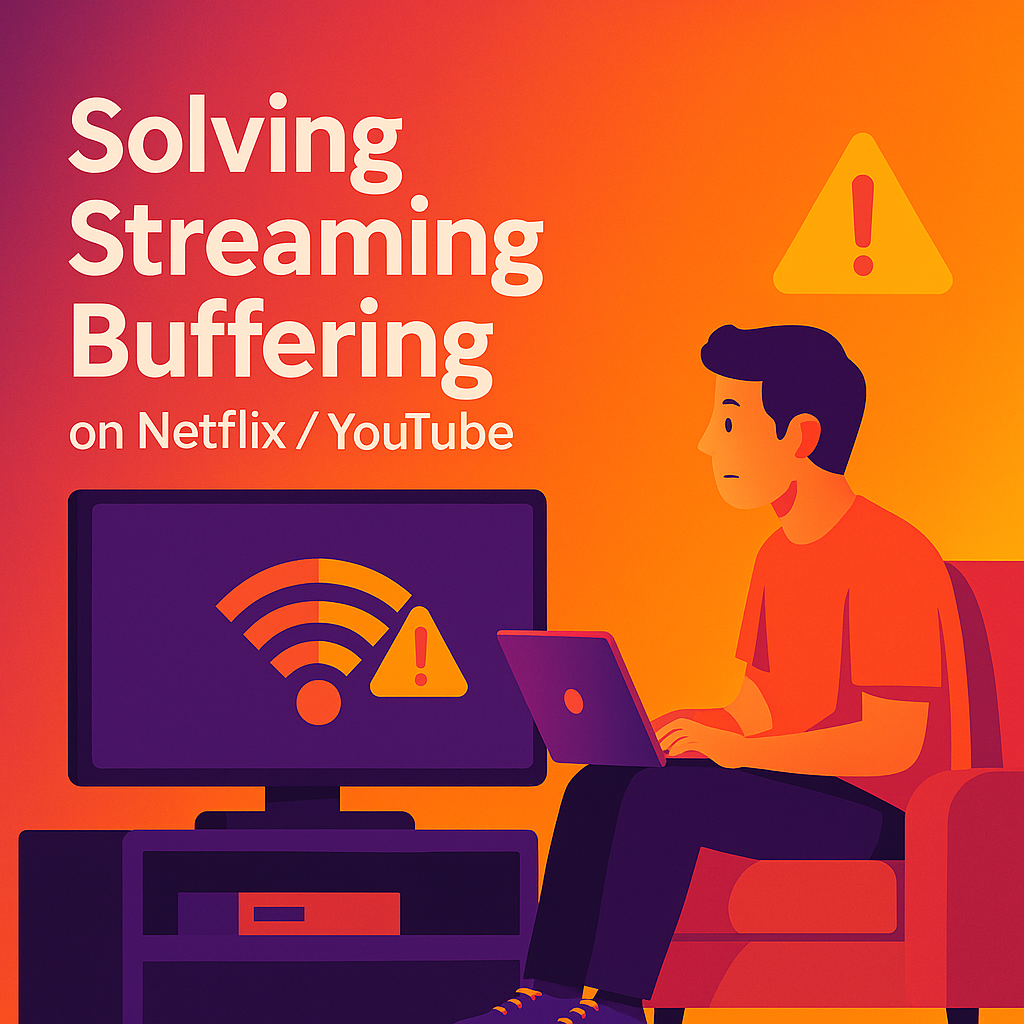
Is your Netflix or YouTube constantly pausing or buffering, ruining your movie night or streaming binge? Buffering and lag can be incredibly frustrating - but the good news is, most streaming issues are easy to fix.
In this simple guide for home users on the Central Coast, we'll clearly explain why buffering happens, provide practical solutions to quickly fix your streaming issues, and help you know when to get professional assistance from the friendly team at Zelrose IT.
Why Does Streaming Buffering Happen?
Buffering usually occurs due to:
Slow internet speed or weak Wi-Fi signal
Network congestion (too many devices using your internet at once)
Outdated Smart TV or streaming device software
Poor Wi - Fi router placement
Interference from other wireless devices
Let’s quickly tackle each of these problems.
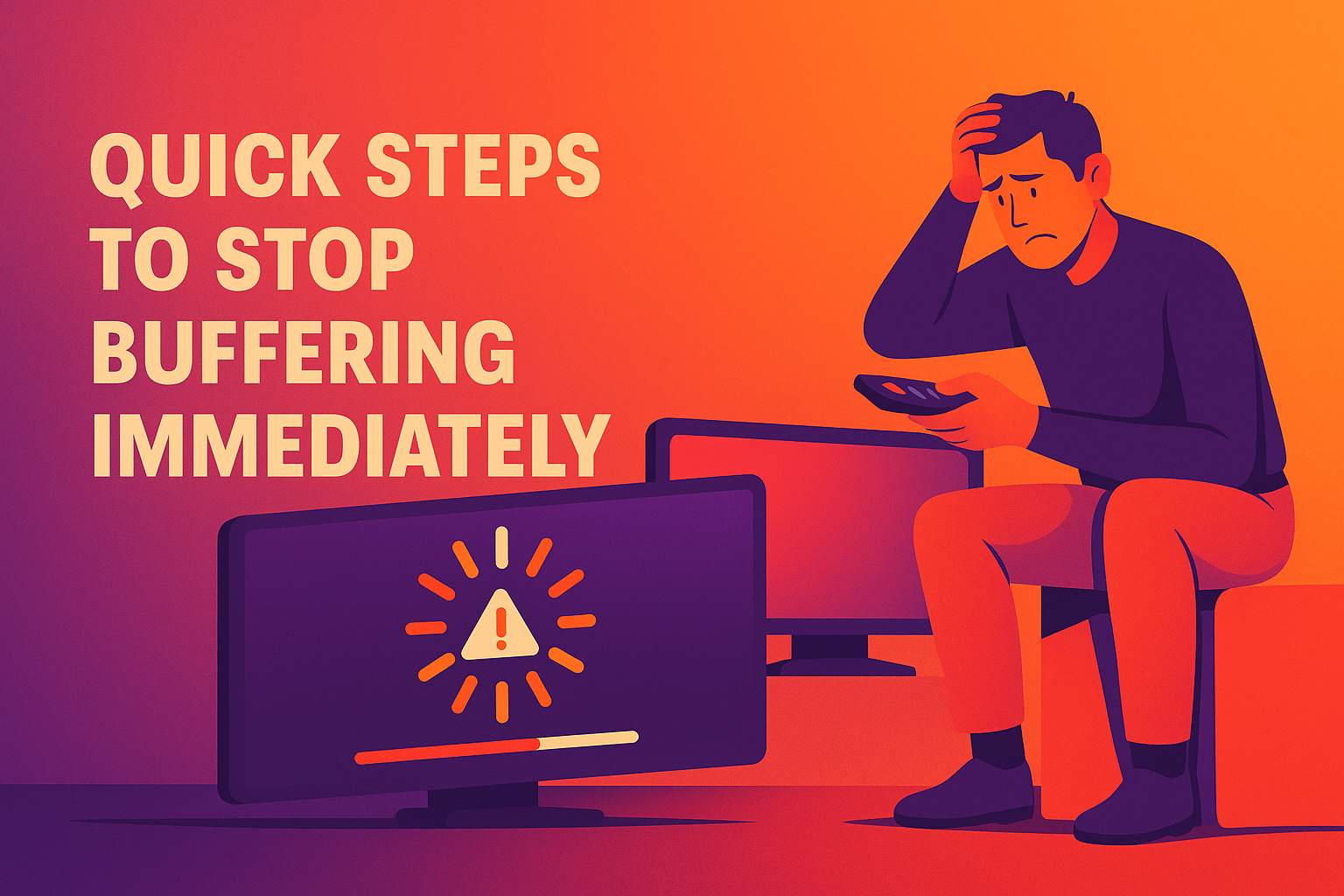
Quick Steps to Stop Buffering Immediately
Restart Your Router and Streaming Device
A quick restart solves many buffering issues:
Turn off (unplug) your Wi - Fi router for 30 seconds, then plug it back in
Restart your Smart TV or streaming device (e.g., Chromecast, Apple TV)
Try streaming again after both devices have fully restarted
Check Your Internet Speed
Netflix and YouTube recommend at least 5 Mbps for HD streaming and 25 Mbps for 4K:
Test your speed using speedtest.net
If speeds are consistently low, contact your internet provider or consider upgrading your internet plan
Related guide: Diagnosing Internet Speed Problems
Reduce Network Congestion
Too many devices using your internet at once causes buffering:
Temporarily disconnect phones, tablets, and other unused devices from Wi - Fi
Ask family members to pause large downloads or gaming activities while streaming
Lower Streaming Quality Temporarily
Reducing quality can help streaming work smoothly with slower connections:
Netflix: In your account settings, choose Medium quality or lower
YouTube: Click the gear icon and select a lower resolution (e.g., 720p)
Improve Router Placement
Poor Wi-Fi coverage is a common cause of buffering:
Move your router to a central location, closer to your TV or streaming device
Avoid obstacles like walls, metal furniture, or microwaves
More details: Optimizing Router Placement for Speed
Use Ethernet Cable Instead of Wi - Fi
Wired connections provide faster, more stable streaming:
Connect your Smart TV or streaming device directly to your router with an Ethernet cable
This nearly always eliminates buffering
Update Your Smart TV or Streaming Device
Outdated software can cause streaming problems:
Go to your device settings and look for System Updates or Firmware Updates
Install any available updates
Advanced (But Easy!) Solutions
Switch Wi - Fi Channels or Band
Wi - Fi interference can disrupt streaming:
Log in to your router and switch to a less crowded Wi - Fi channel (1, 6, or 11 on 2.4GHz)
If your devices support it, switch from 2.4GHz to 5GHz Wi - Fi for better performance
Helpful guide: Best Wi - Fi Channels and Band Settings
Upgrade Your Wi - Fi Setup
If buffering continues, consider upgrading:
Mesh Wi - Fi systems for better coverage across your home
Newer routers with faster speeds or more stable connections
When Should You Call Zelrose IT?
Call Zelrose IT if:
Buffering keeps occurring even after these steps
You’re unsure about adjusting router settings or network configurations
You want professional, stress - free assistance with your home network and streaming devices
Zelrose IT provides:
In - home or remote streaming troubleshooting
Wi - Fi optimisation and device updates
Clear, friendly advice without confusing tech jargon
Quick Checklist: Solving Streaming Buffering
Restart router and streaming devices
Test your internet speed
Reduce network congestion
Lower streaming quality temporarily
Optimise router placement
Use Ethernet cable instead of Wi-Fi
Update streaming device software
Contact Zelrose IT if issues continue
End Buffering Frustration - Call Zelrose IT Today!
Don’t let constant buffering ruin your enjoyment. Zelrose IT is ready to help you get smooth, uninterrupted streaming, fast.
Call 0478 843 700 or visit www.zelrose.com.au to schedule professional, friendly support at your home or remotely across the Central Coast.