
Tech Chirps
Our insightful blog offers insights, tips, success tales, and indispensable advice for perfecting your business, home, or gaming setup!
Smart TV Firmware Update Steps
Updating the firmware on your Smart TV regularly is essential. Firmware updates bring important improvements like better streaming performance, new features, security patches, and fixes for common issues like buffering, audio problems, or Wi-Fi connectivity.
Solving Streaming Buffering on Netflix/YouTube
In this simple guide for home users on the Central Coast, we'll clearly explain why buffering happens, provide practical solutions to quickly fix your streaming issues, and help you know when to get professional assistance from the friendly team at Zelrose IT.

Fixing Smart TV Not Connecting to Wi - Fi
Is your Smart TV suddenly not connecting to Wi-Fi? Maybe you’re getting error messages, streaming apps won’t load, or your TV keeps losing its connection. This common issue is frustrating - but usually easy to fix.
Device Shows ‘Connected’ but Not Working
If your Bluetooth headphones, speaker, or keyboard says it’s “connected” but still won’t play audio or respond properly, it’s a frustrating problem - but luckily, it’s usually easy to fix.

Resetting Bluetooth Settings on Phones
If you’re having ongoing trouble with Bluetooth on your smartphone - such as devices refusing to connect, audio cutting out, or pairing issues that keep coming back - it might be time to reset your Bluetooth settings.

Troubleshooting Wireless Headphones
Wireless headphones are fantastic - no cables, easy mobility, and great sound quality. But when things go wrong, it can quickly become frustrating. Maybe your headphones aren’t connecting, the sound cuts in and out, or there’s annoying static.

Fixing Bluetooth Interference Problems
Bluetooth devices are designed to make life easier - no cables, easy connectivity, and great mobility around your home. But sometimes, your Bluetooth headphones, speakers, or keyboards might cut out, produce static, or drop connections randomly. Usually, the culprit is Bluetooth interference.

How to Re-Pair Bluetooth Devices
If your Bluetooth headphones, keyboard, speaker, or other device suddenly stops working with your phone, tablet, or computer, the most effective fix is usually to re-pair the device. Re-pairing means removing the existing connection and starting fresh.
Updating iOS/Android Without Issues
Keeping your smartphone’s operating system (OS) up to date is one of the easiest and most effective ways to improve speed, fix bugs, and stay secure. But many home users worry that an update might slow things down or cause something to go wrong.
Battery Draining Too Fast: What to Do
Is your phone battery draining faster than usual? Does it go flat halfway through the day - or even sooner? If so, you’re not alone. Many people on the Central Coast experience rapid battery drain on their Android or iPhone, even with minimal use.
Fixing App Crashes and Freezing
Is your smartphone acting up - apps crashing randomly, freezing in the middle of something important, or just refusing to open at all? Don’t worry. These issues are common on both Android and iPhone devices, and in most cases, they’re easy to fix.
Managing Storage: Free Up Space Easily
Running out of storage on your phone can be incredibly frustrating - especially when you’re trying to take a photo, install an app, or update your device. Fortunately, you don’t need to be tech-savvy to reclaim space and keep your phone running smoothly.
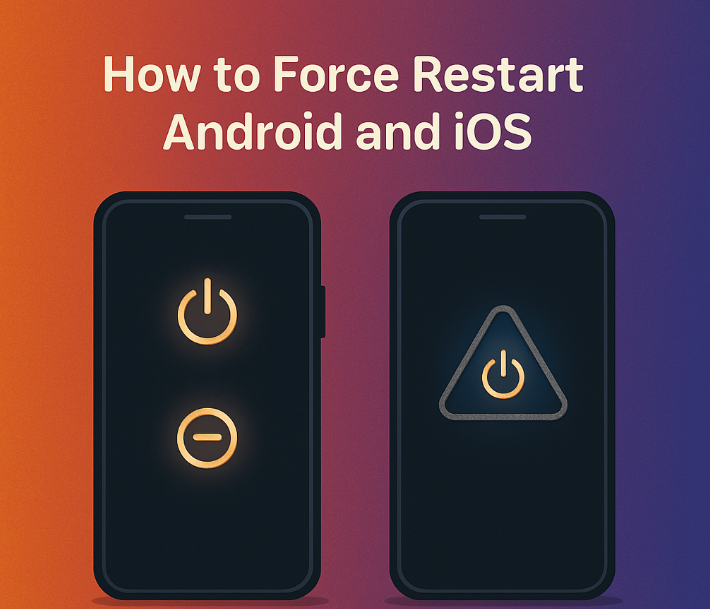
How to Force Restart Android and iOS
If your smartphone is frozen, unresponsive, or stuck on a black screen, your first instinct might be to panic or head straight to the nearest repair shop. But wait - force restarting your phone is often all it takes to get things working again.
What Causes Computers to Freeze?
Your computer freezing can be frustrating, especially when you’re in the middle of something important - like writing an email, joining a video call, or printing a document. But why does it happen? While a one-off freeze is often nothing to worry about, frequent freezing could point to deeper issues.
Detecting and Removing Malware
Is your computer acting strangely - freezing often, running slowly, or showing strange pop-ups? There’s a good chance it might be infected with malware. Malware is unwanted software designed to cause damage, steal data, or disrupt how your computer works. The good news is, detecting and removing malware can be simple, and this guide is here to walk you through it.
Clearing System Cache and Temp Files
Does your computer feel slower than usual? Is it freezing more often or taking too long to load basic programs? One common cause of these issues is built-up system cache and temporary files. These files are meant to be temporary but often hang around, clogging up your computer and affecting performance over time.
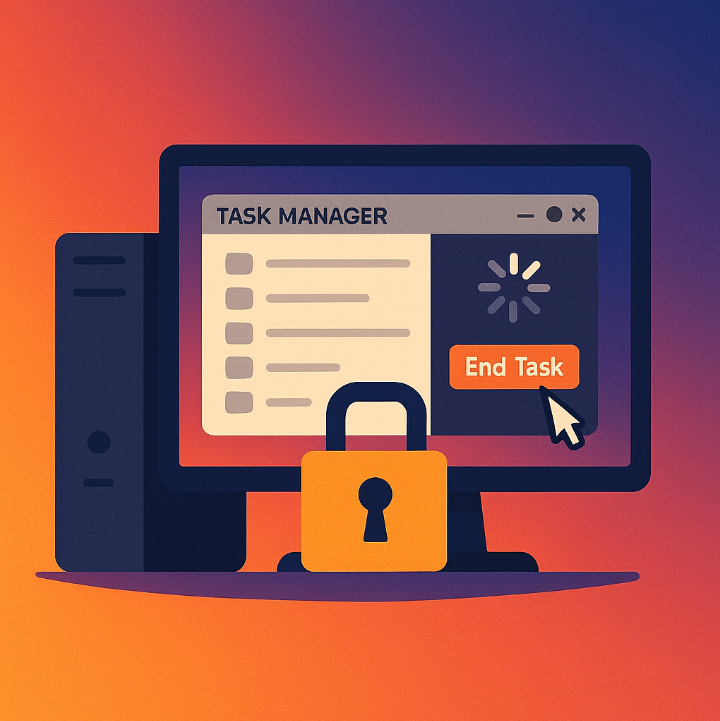
Using Task Manager to Unfreeze a PC
We've all experienced it - a frozen computer that stops responding while you're browsing the internet, writing a document, or watching a video. When your PC locks up, it can feel like your only option is to restart and hope for the best. But before you hit that power button, there’s a better solution: Task Manager.
How to Boot into Safe Mode (Windows/Mac)
Is your computer freezing, crashing, or acting strange? If so, starting your computer in Safe Mode is a great way to diagnose and fix problems. Safe Mode is like a “clean version” of your operating system - it loads only the basic files and drivers needed to run, which helps identify if a background program or driver is causing trouble.

Managing Startup Programs for Faster Boot
Is your computer taking ages to start up? Do you switch it on, walk away to make a cup of tea, and it’s still not ready when you return? If so, it’s likely being slowed down by too many startup programs - apps that launch automatically when you turn your computer on.

Disk Cleanup Tools and Tips
Over time, your Windows computer or laptop builds up clutter - temporary files, system junk, outdated downloads, and unused apps. This clutter can slow down your system, take up valuable space, and even cause programs to crash. But the good news is: cleaning up your disk is simple and highly effective.